- DATE:
- AUTHOR:
- The Fountain team
Add Applicants Directly in Hire Go
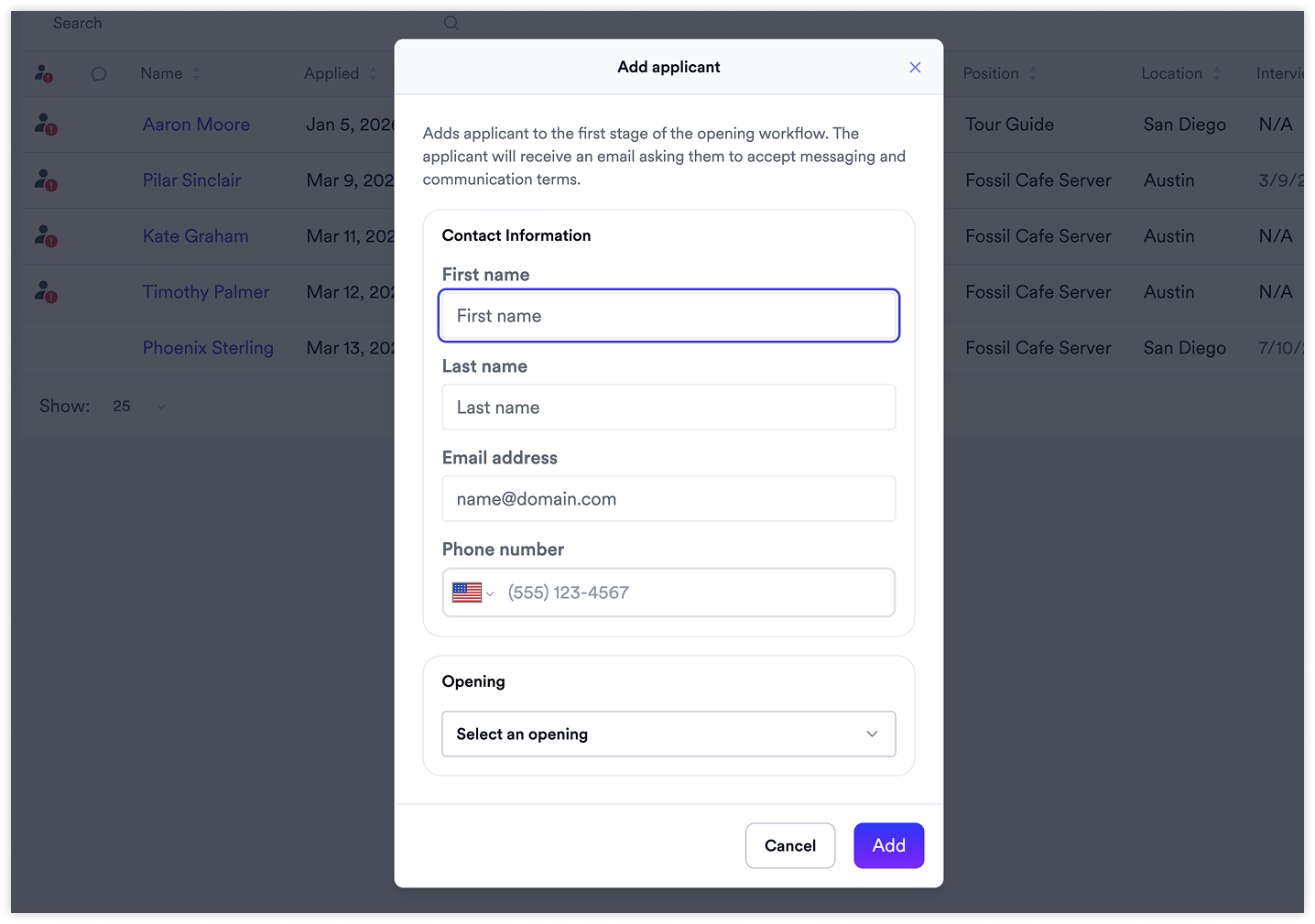
Hire Go users can now create new applicant records directly in the app, including required contact info.
Previously, applicants had to initiate the process themselves. For walk-ins, hiring events, or assisted applications, there was no way for a hiring manager to quickly get someone into the funnel from Hire Go.
What's new
Create applicants directly in Hire Go — no need for the applicant to start the process
Required contact info — name, email, and phone are required
Duplicate checking — the system flags potential duplicates before creating so the user can make an informed decision
Workflow placement — applicant is added to the first stage of the workflow automatically (with an alert if that stage is not visible in Hire Go)
Why it matters
Helps teams avoid losing strong candidates when someone applies in person, and reduces friction when managers need to quickly get someone into the funnel at a hiring event, career fair, or walk-in.
Availability
Available to all Hire Go customers.