- DATE:
- AUTHOR:
- The Fountain team
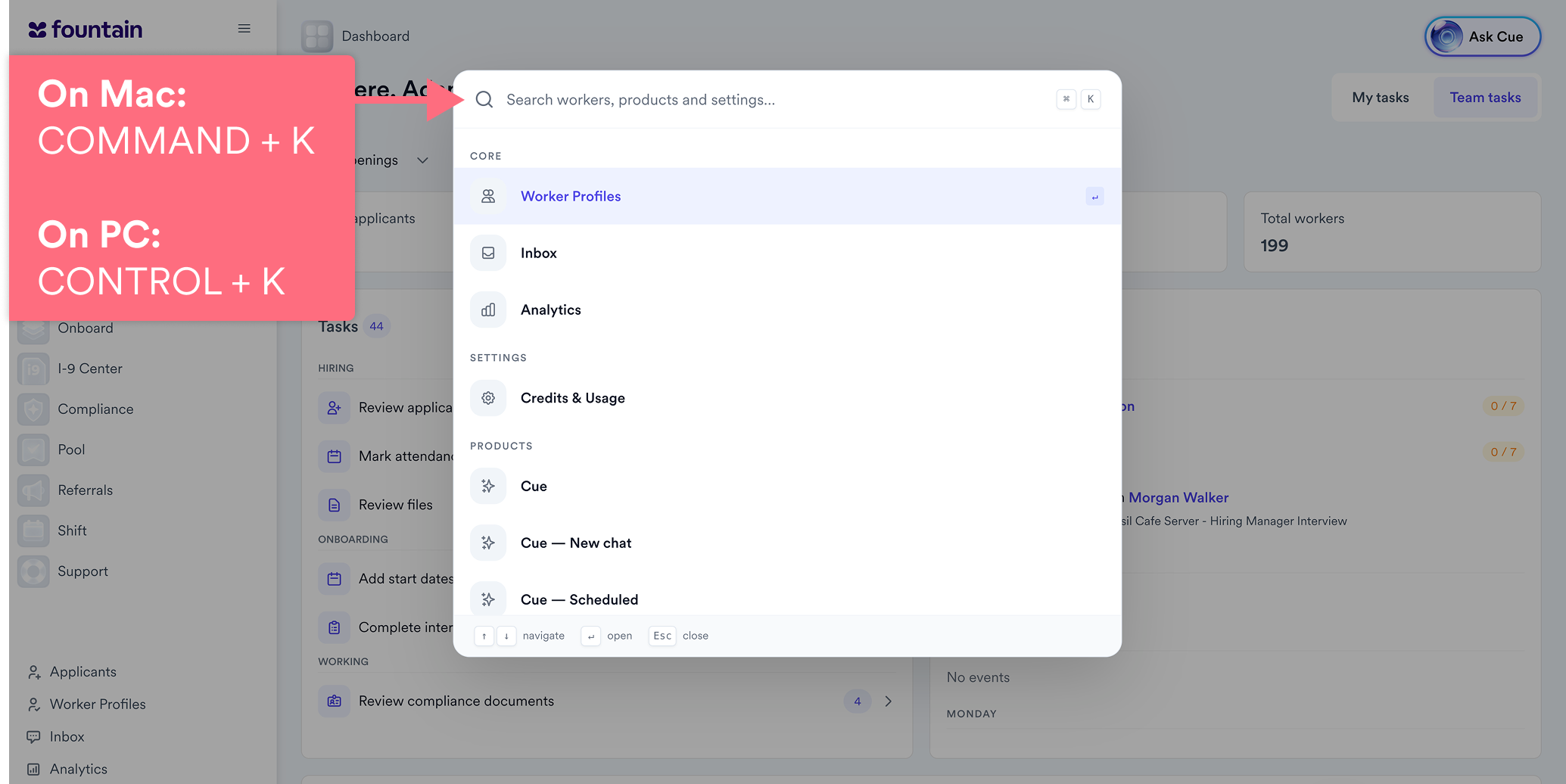
Universal Search with Cmd+K or Ctrl+K
Press Cmd+K or Ctrl+K on any page to find a person or jump to a page, without clicking through the sidebar.
Getting to an applicant, an opening, a worker or a settings page meant clicking through the sidebar and waiting for each page to load. Moving between Fountain products meant navigating all over again.
What's new
One shortcut, everywhere — Cmd+K on Mac or Ctrl+K on Windows opens the search bar on any page. Arrow keys move through results, Enter opens one and Esc closes the search bar.
Applicants and openings in Hire — find applicants by name and openings by title, or jump to Openings, All Applicants, Workflows, Locations, Positions and Account Settings.
Workers and sidebar pages — find workers by name or jump to any page in your sidebar.
Move between products — users with access to more than one Fountain product can open pages in another product from the same search bar, and are signed in automatically.
Permission-aware — results only include pages and records the user can already access.
Why it matters
Recruiters and admins reach any record or page in a few keystrokes instead of several clicks and page loads, and people who work across more than one Fountain product move between them from one place.
What to expect
Universal Search matches names, titles and page keywords, and results appear in a fixed order rather than ranked by relevance. Existing navigation does not change.
Availability
Available to all customers.





