- DATE:
- AUTHOR:
- The Fountain team
Cue Connectors
Connect Cue to the tools your team already uses, so it can bring Fountain into the flow of work.
Cue could only reach what lived inside Fountain. Anything your team tracked in Slack, Teams, Notion, or Asana had to be looked up separately and copied across by hand.
What's new
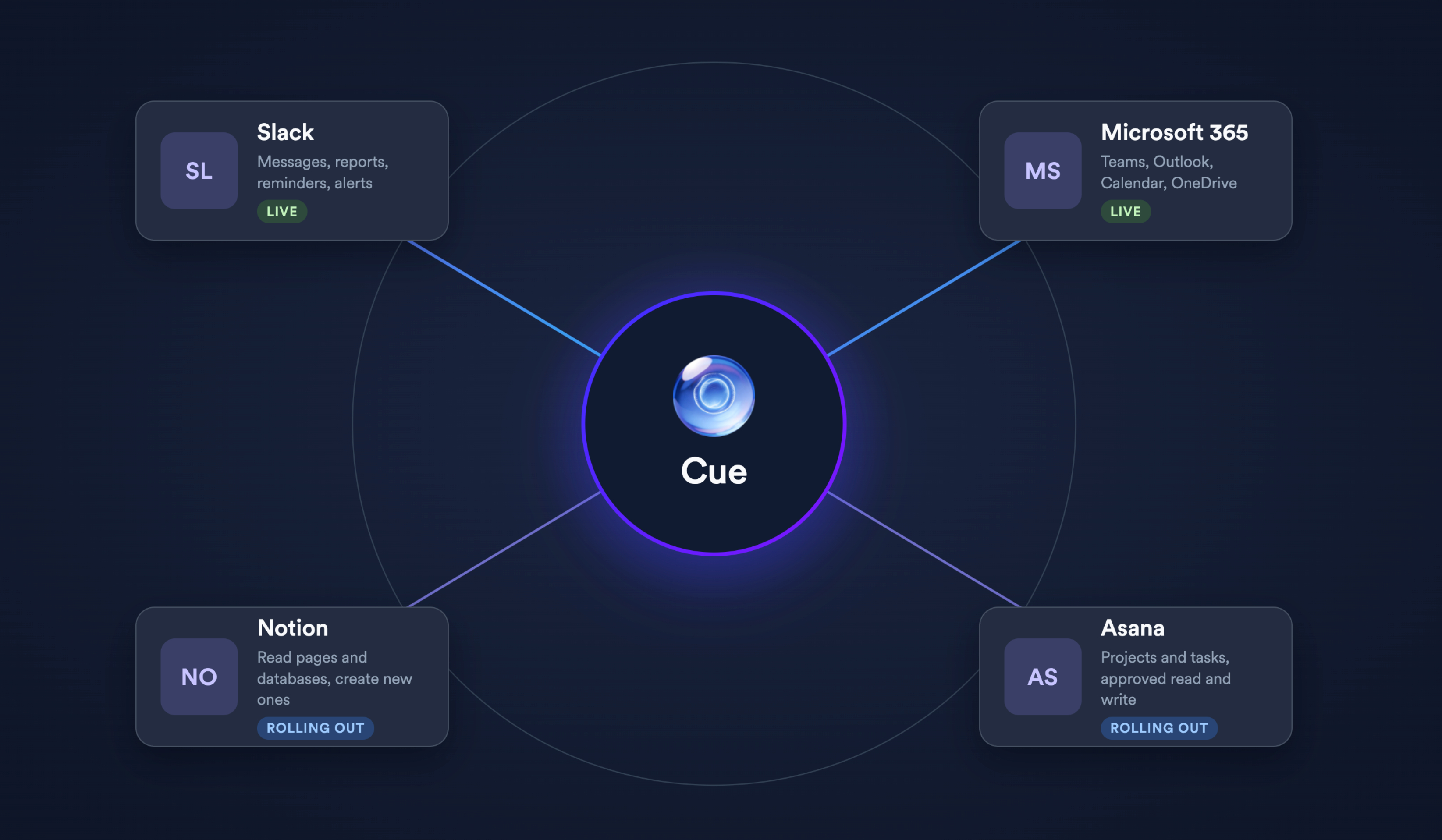
Slack and Microsoft 365 — Cue can format and send messages, reports, reminders, and alerts into the channels your team already works in. Microsoft 365 covers Teams, Outlook email, calendar, and OneDrive.
Notion and Asana — Cue can retrieve pages, databases, projects, and tasks on demand, and create tracked work without leaving the conversation. Asana supports approved task and project writes; Notion supports creating pages, comments, page copies, text attachments, databases, folders, and views.
A Connectors Marketplace in settings — Browse the available connectors, enable one for your account, and complete the provider's sign-in flow without sharing a password with Fountain.
Access scoped to each person — Each person connects their own account, so Cue sees and does only what they could already do directly. Requested permissions are shown before access is granted.
Read on demand, not copied ahead — Cue reads a connected tool when a question or action calls for it, rather than copying data into Fountain in advance.
A deliberately cautious action set — The most destructive or disorienting actions are held back, including task deletion in Asana and any tool that can edit, move, delete, or hide content in Notion.
Why it matters
Recruiting and workforce operations do not happen in one place. Connectors let a daily applicant review land in Slack, a project status check happen inside a Cue conversation, and a follow-up become an Asana task, without anyone leaving the tool they were already working in.
What to expect
Connectors arrive in waves. Slack and Microsoft 365 are available first, with Notion and Asana following. Nothing changes for existing customers until a connector is enabled and a person completes sign-in with the provider.
Availability
Now available to an initial group of customers — contact your Customer Success representative to get access.