- DATE:
- AUTHOR:
- The Fountain team
ATS
Applicants Link in the Left Sidebar
DATE:
AUTHOR:
The Fountain team
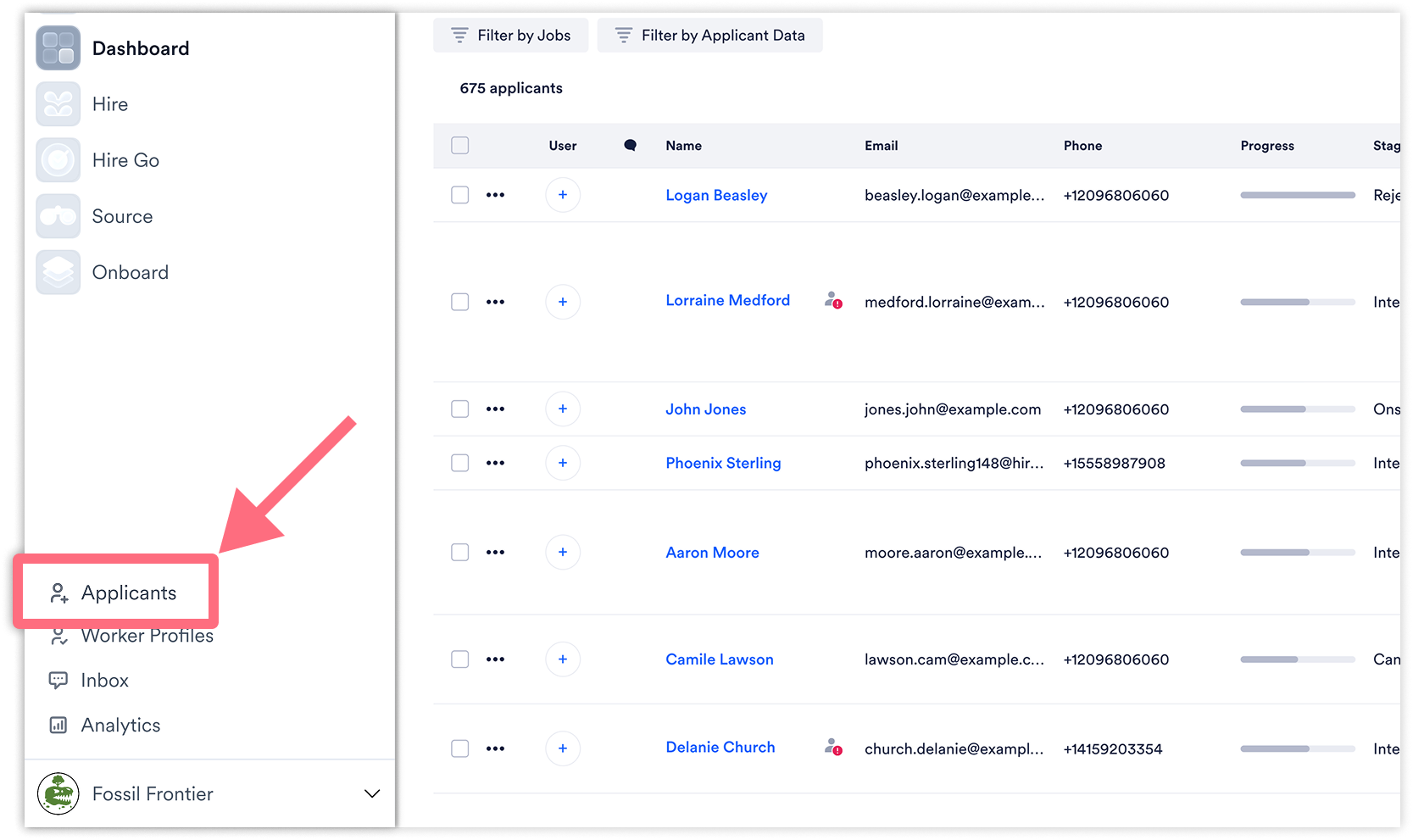
Getting to your applicants is now faster from anywhere in Fountain, with a new Applicants link right in the left sidebar.
Previously, reaching the Universal Applicant View required navigating through the Applicants dropdown menu (in Hire) first.
What's new
Applicants in the sidebar — A new Applicants link now sits at the top of the left sidebar, above Workers Profile, Inbox, and Analytics.
One click from anywhere — Jump straight to the Universal Applicant View from any page in Fountain, without opening the Applicants dropdown first.
Why it matters
This makes it faster to get to the full list of applicants no matter where you are in the product, cutting out an extra click through the dropdown menu.
Availability
Available to all Hire customers.





