- DATE:
- AUTHOR:
- The Fountain team
Automate Recurring Work with Scheduled Tasks
Set recurring work up once and Cue runs it on a schedule, saving each run as a conversation you can open and continue.
Repeating a useful piece of Cue work meant reopening Cue and retyping the prompt every time. A weekly pipeline review was only ever as reliable as somebody remembering to ask for it.
What's new
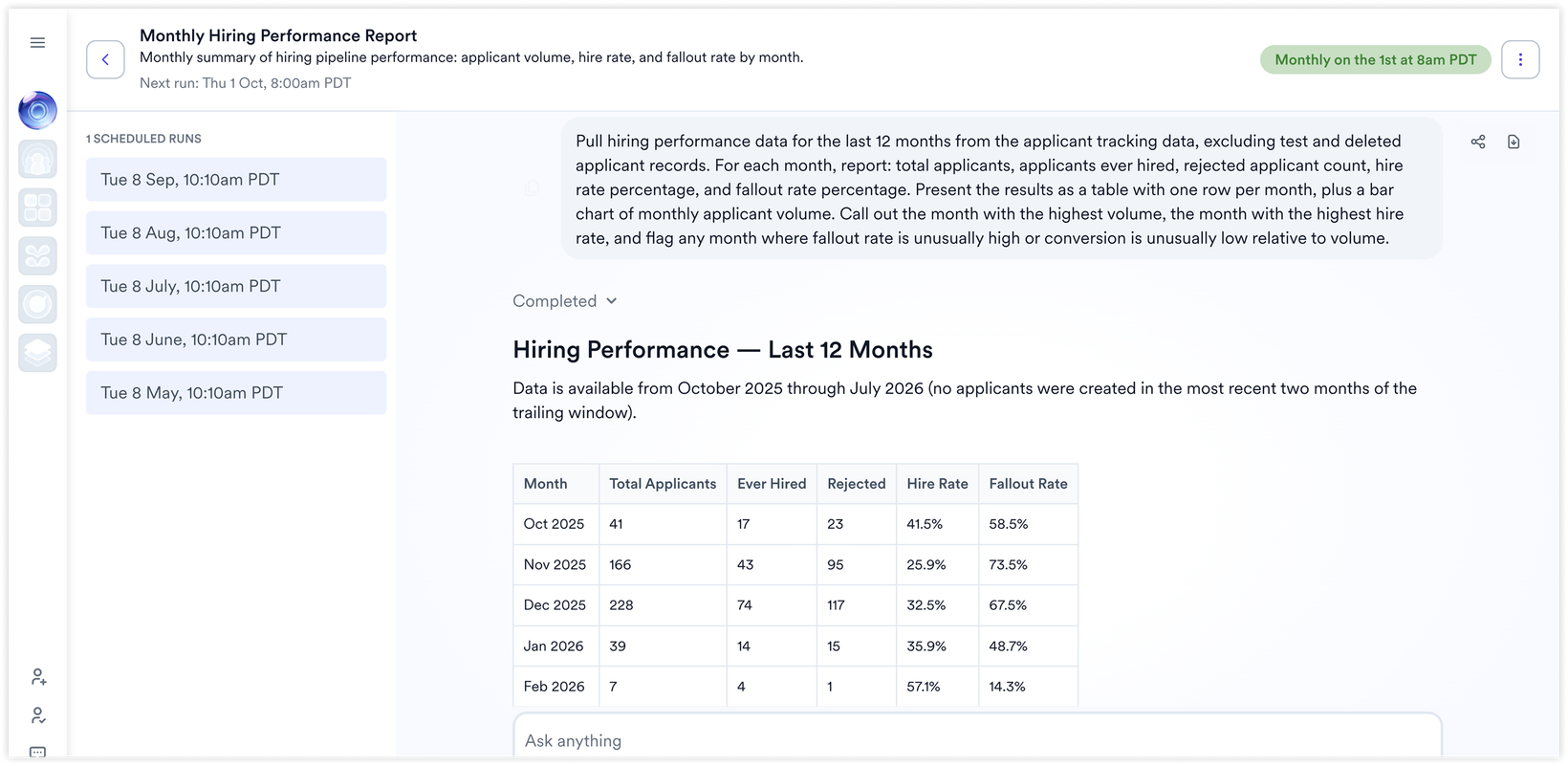
Schedule recurring work — run a prompt daily, weekly or monthly, using the employer profile timezone.
Four ways to create a task — build one manually, ask Cue to propose a task, ask Cue to propose several at once, or start from a template.
Manage everything in one place — view, edit, pause, enable, delete, run now, and review every past run.
Each run is a conversation — a run lands as a readable Cue thread with the files it generated, and you can carry on chatting in it.
Templates to start from — the gallery shows templates relevant to your products, and you can review and edit the instructions before scheduling.
Output where you need it — results are available in product, and task instructions can also request delivery by email and a particular file format.
Protection against repeated failures — a task pauses automatically after three consecutive failed runs, and you can enable it again.
Why it matters
The work worth repeating is rarely the work anyone remembers to repeat. Turning a proven analysis into a standing task moves it from something a person has to initiate to something that simply arrives.
What to expect
A template appears only if you have access to every product that template is assigned to.
Availability
Available to all Cue customers.





