- DATE:
- AUTHOR:
- The Fountain team
View, Sort, and Filter Hire Go Applicants by Data Keys
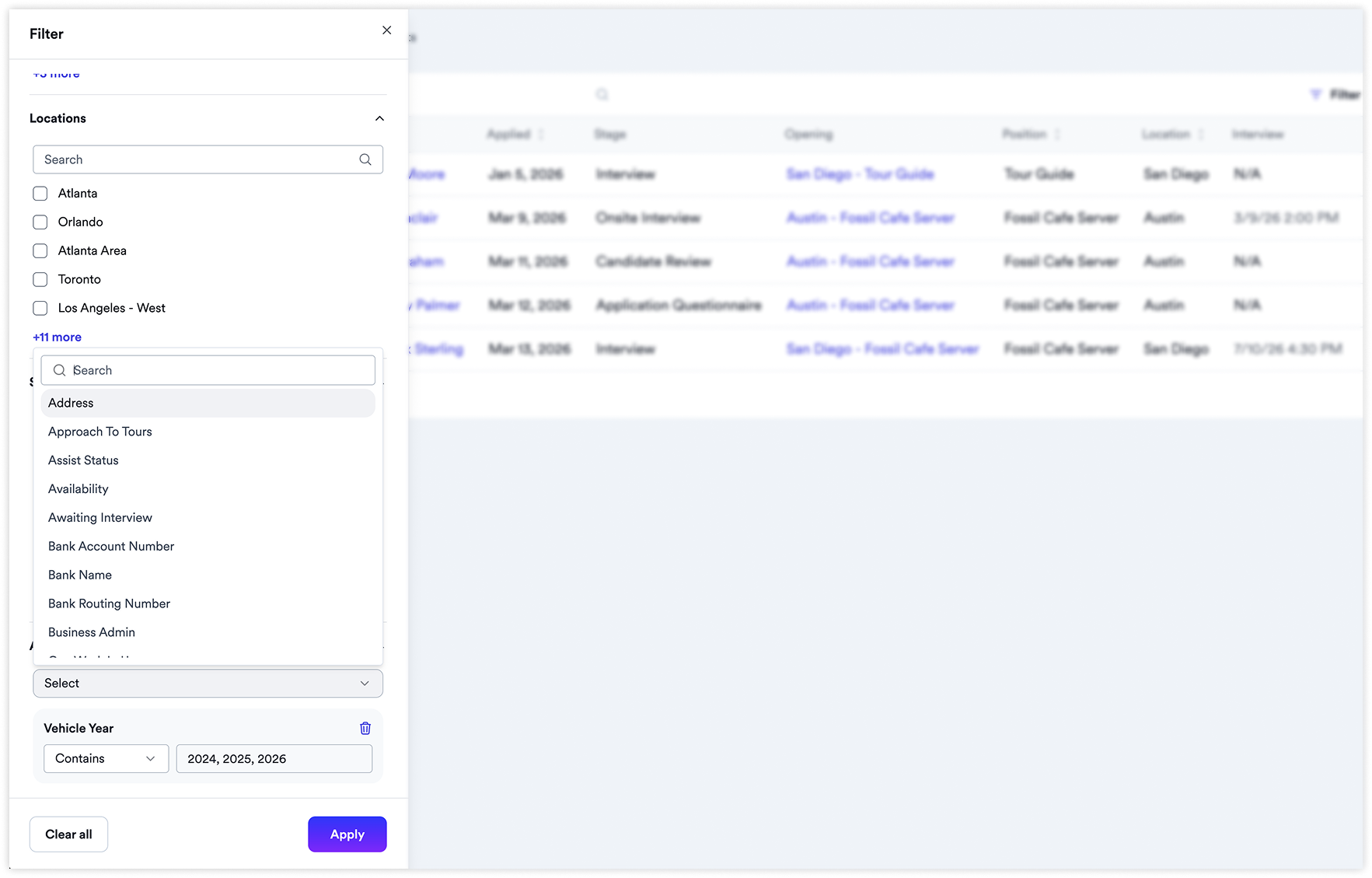
Hire Go's Applicants table now supports selecting custom columns (including applicant data keys), filtering by any data key, and sorting by data key columns.
Previously, hiring managers could only view applicant data keys by opening individual applicant profiles one at a time. In high-volume settings where custom scores or attributes determine interview priority, this made it slow to identify the right candidates.
What's new
Choose which columns to display — including applicant data keys accessible to the user
Filter applicants by any data key — narrow to the candidates that match your criteria
Sort by any data key column — quickly rank and review applicants by the attributes that matter
Why it matters
Many customers have crucially important data keys that determine how hiring managers prioritize applicants. Previously there was no way to surface this data in the table view. Now managers can scan, sort, and filter without opening individual profiles, dramatically reducing time-to-hire for high-volume teams.
Availability
Available to all Hire Go customers.